
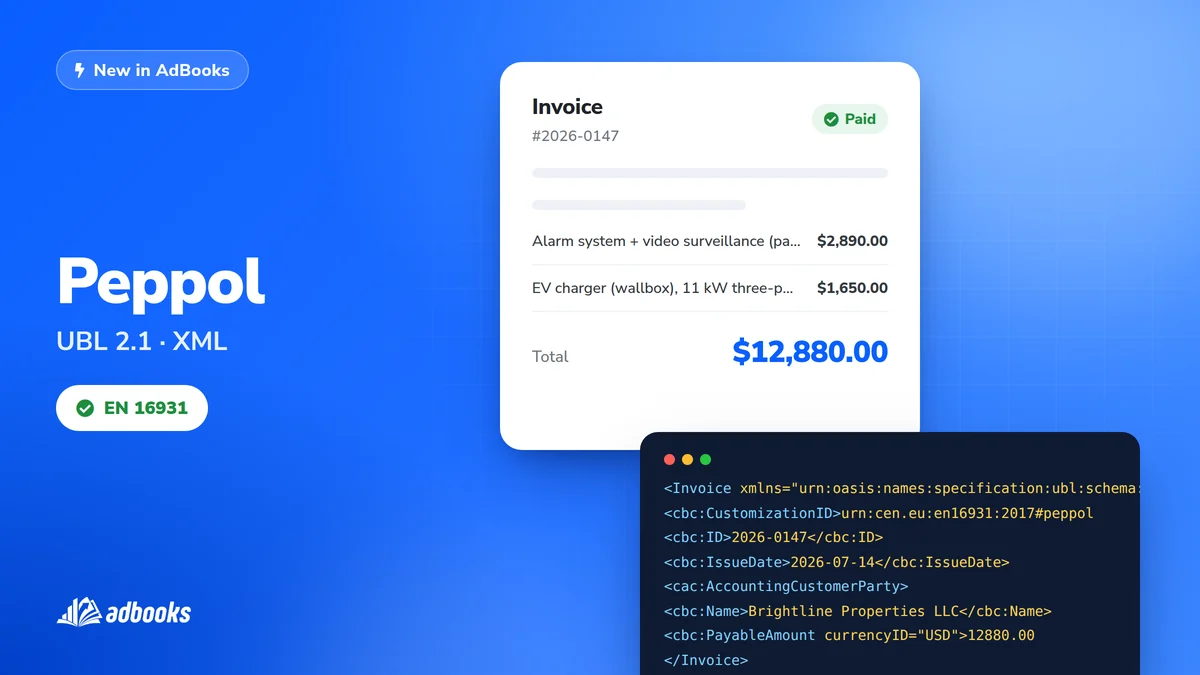
E-invoicing compliant with European standards is now built into AdBooks. You can generate invoices in the Peppol UBL 2.1 (EN 16931) XML format, ready for clients whose systems expect a structured e-invoice rather than a PDF.
Why e-invoices matter
Digital, structured invoicing is quickly becoming the standard across Europe. An e-invoice in XML lets a client's accounting system import it automatically, instead of someone re-typing a PDF by hand - faster processing and fewer errors on both sides.
Turning it on
E-invoicing is off by default. To enable it:
- 1. Open Account Settings and go to My Businesses.
- 2. Click the Edit business icon next to your business.
- 3. Open the Invoicing tab, then the e-Invoice & Bank Accounts section.
- 4. Turn on Enable e-Invoice Export, enter your Peppol ID (VAT number) and save.
One prerequisite: a default bank account
The e-invoice export option only appears once you have a default bank account set up. When adding an account, click the star next to it - once it turns green, that account is ready for e-invoices.
Exporting in one click
Once set up, every invoice shows an e-Invoice (XML) option right next to the standard PDF export. One click, and the document downloads ready to send.
Built-in validation
If an invoice or your profile is missing something the format legally requires - an IBAN, a client's VAT number, a proper item description - AdBooks blocks the export and shows exactly what to add, rather than letting an invalid file go out.
A full step-by-step guide, including Peppol scheme details and VAT exemption reasons, is in our knowledge base.