
If you do not know how many hours the team spent on a job, you do not know whether you made money on it. Here is how to track hours per worker and per job simply, without paper timesheets that get lost.
In short
- Record hours per worker and per job, not just in total.
- Record them the same day, not at the end of the week.
- Compare hours with the quote to see where you lose money.
- Use real hours to make your next quotes more accurate.
Why hours per job matter
Total hours tell you how much to pay a worker. Hours per job tell you whether the job paid off. If you priced a bathroom at 40 hours and the team worked 58, the difference is your loss, and it is good to know that while you can still adjust the price next time.
Three ways, from worst to best
- Paper timesheets: simple, but they get lost, are hard to add up and are not linked to the job.
- Excel: a better overview, but someone has to copy the hours from site, usually in the evening.
- An app: the worker or foreman enters hours on the phone, straight against the job, and you see the total per project.
What to record
- worker
- job or project
- date and number of hours
- a short note (e.g. "shower waterproofing")
More than that is usually not needed. The simpler the entry, the more likely it gets done every day.
Compare hours with the quote
At the end of the job compare the real hours with those in the quote. If you keep going over on the same type of work, your labour price per m² or per piece is too low. It is the fastest way to make your quotes more accurate.
How it works in AdBooks
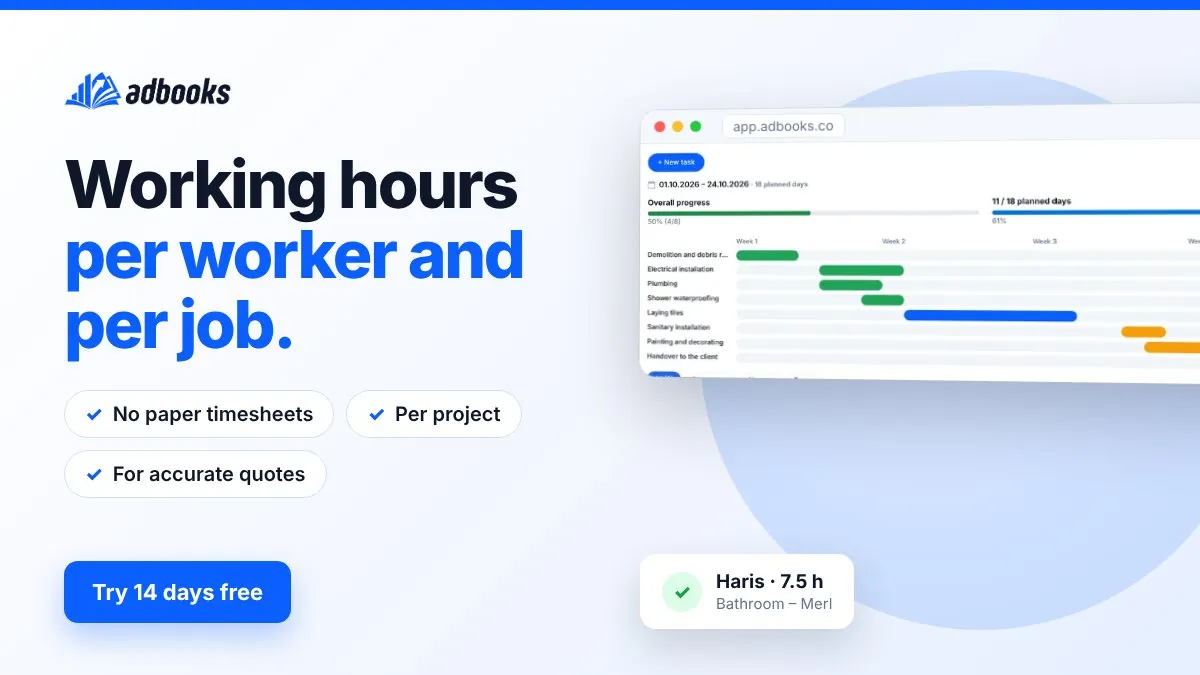
In each project you record working hours per worker, together with material costs and photos. At the end you see the profit per project, and you can export the hours for payroll or your accountant.
Frequently asked questions
How should I track workers’ hours?
Per worker and per job, on the same day, with a short note. An app on the phone is the most reliable because hours are entered on site straight away.
Why record hours per project?
To see whether a job paid off and to base your next quotes on real hours.
Can I export hours for my accountant?
Yes. In AdBooks you can export hours and other data to CSV or Excel.